Making
Presenting the Light Tunnel
The slide, the video, and what a final presentation has to prove.
Blog
Technical writing on electronics, digital fabrication, embedded systems and the tools that make them work.
The slide, the video, and what a final presentation has to prove.
Tracking a build against a deadline, and being honest about the parts that are still unsolved.
Choosing a licence you can live with, and thinking honestly about how an open project sustains itself.
What it will do, who has done it before, what it is made of and what it costs — before any of it is built.
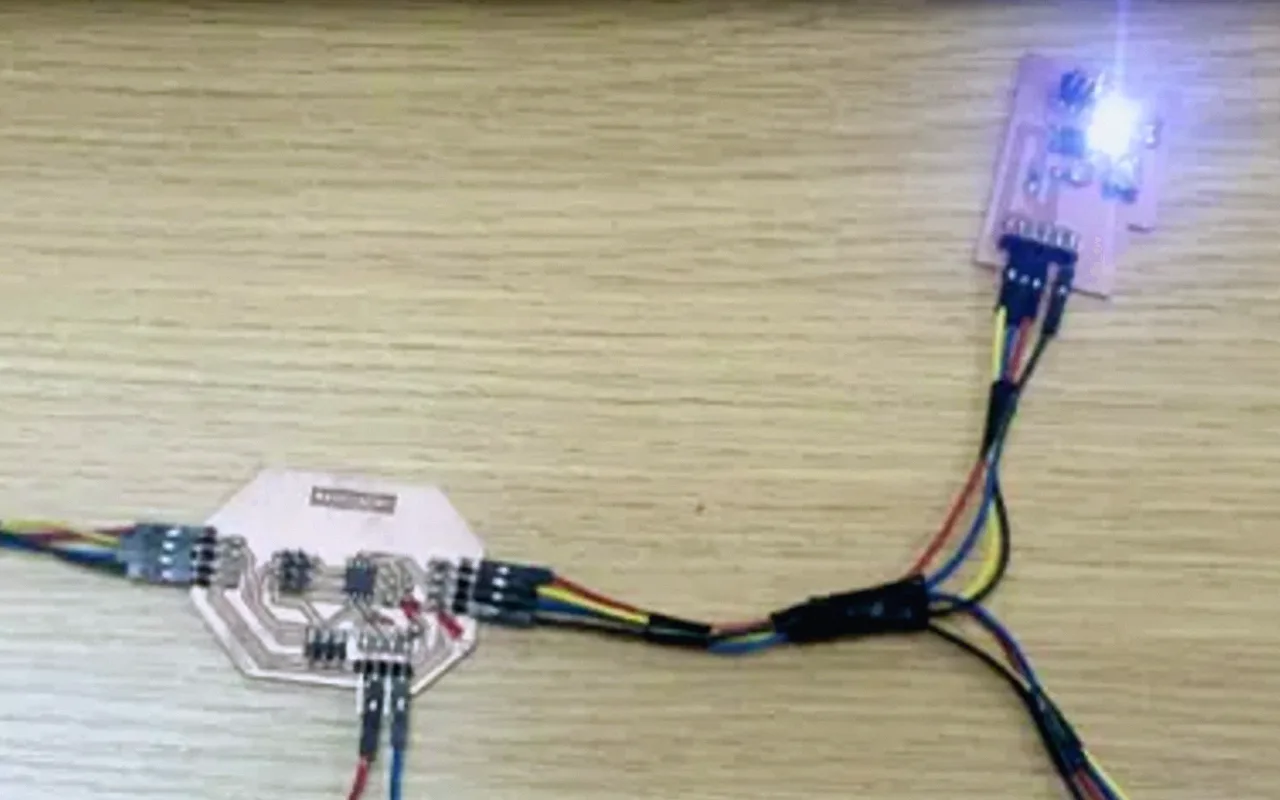
Addressing, bus wiring and the small protocol decisions that determine whether a network of boards works.
What a pixel really is, how greyscale and thresholding work, and choosing the right camera for a vision project.
Serial protocols, Processing, and turning a stream of bytes into something a person can read.
Getting current, timing and power right when the board has to move something in the real world.
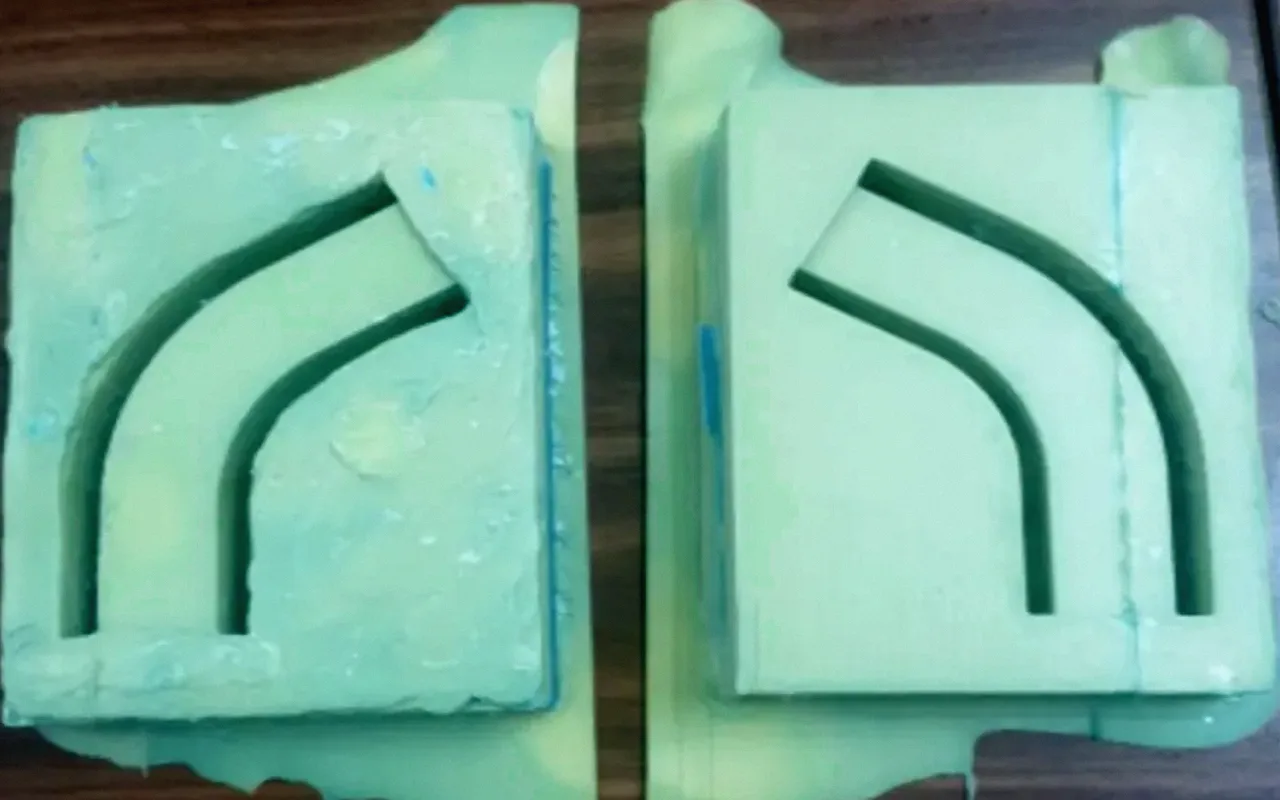
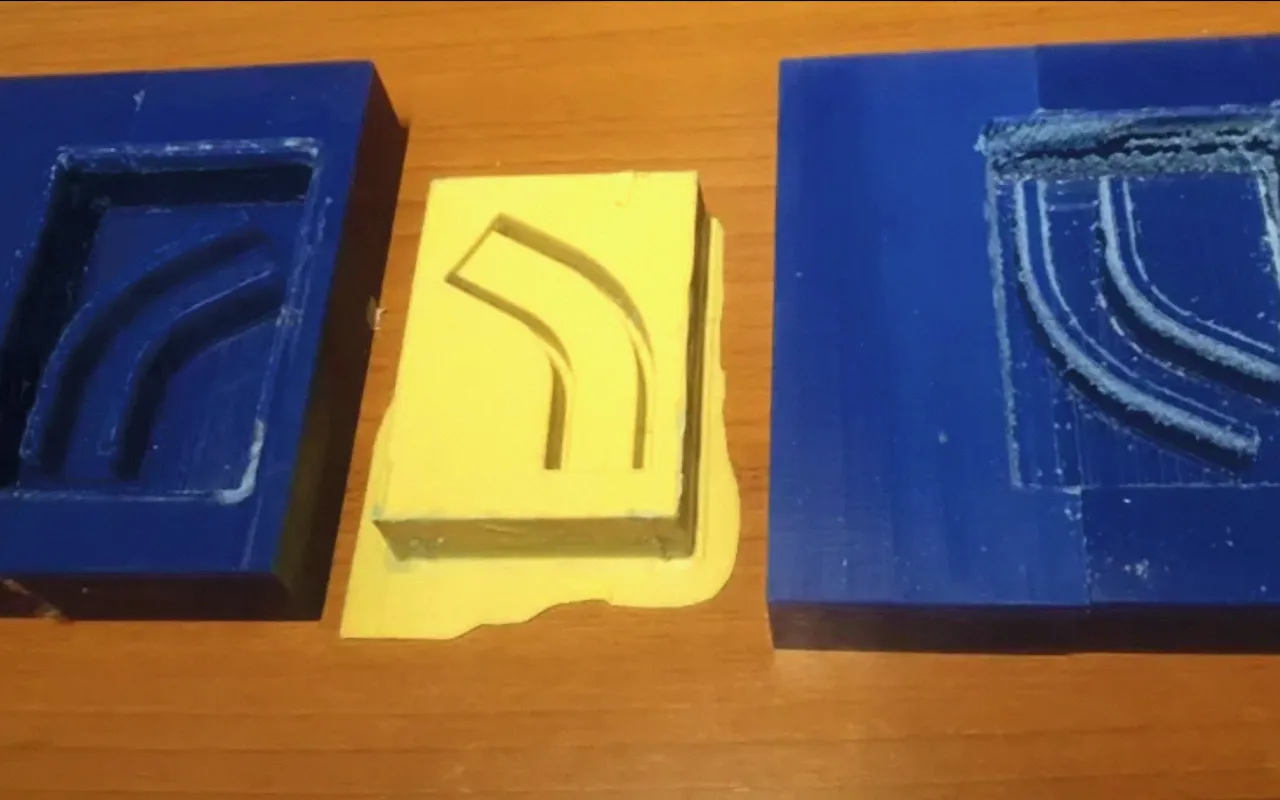
Machining a positive in wax, pouring a silicone negative, and casting parts you can actually repeat.
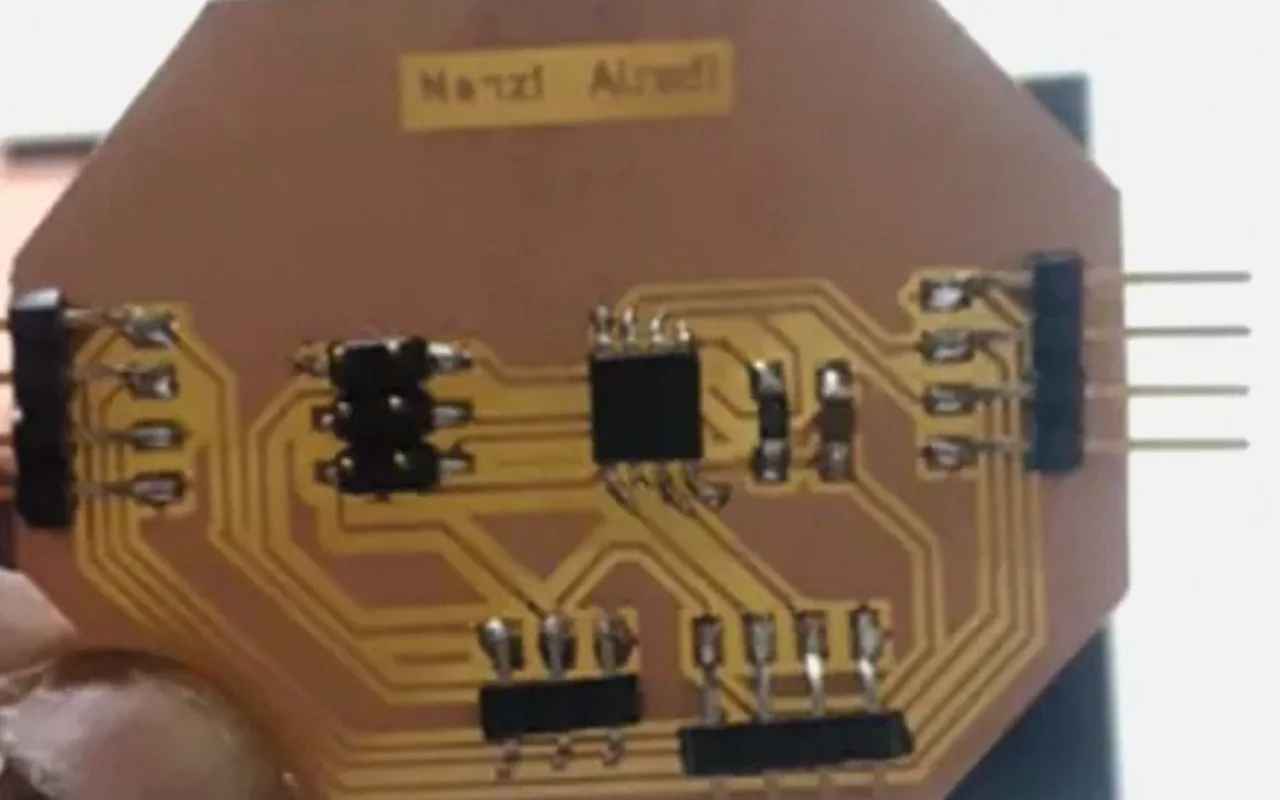
Adding sensors to a board of my own design, then measuring the difference between the datasheet and the bench.
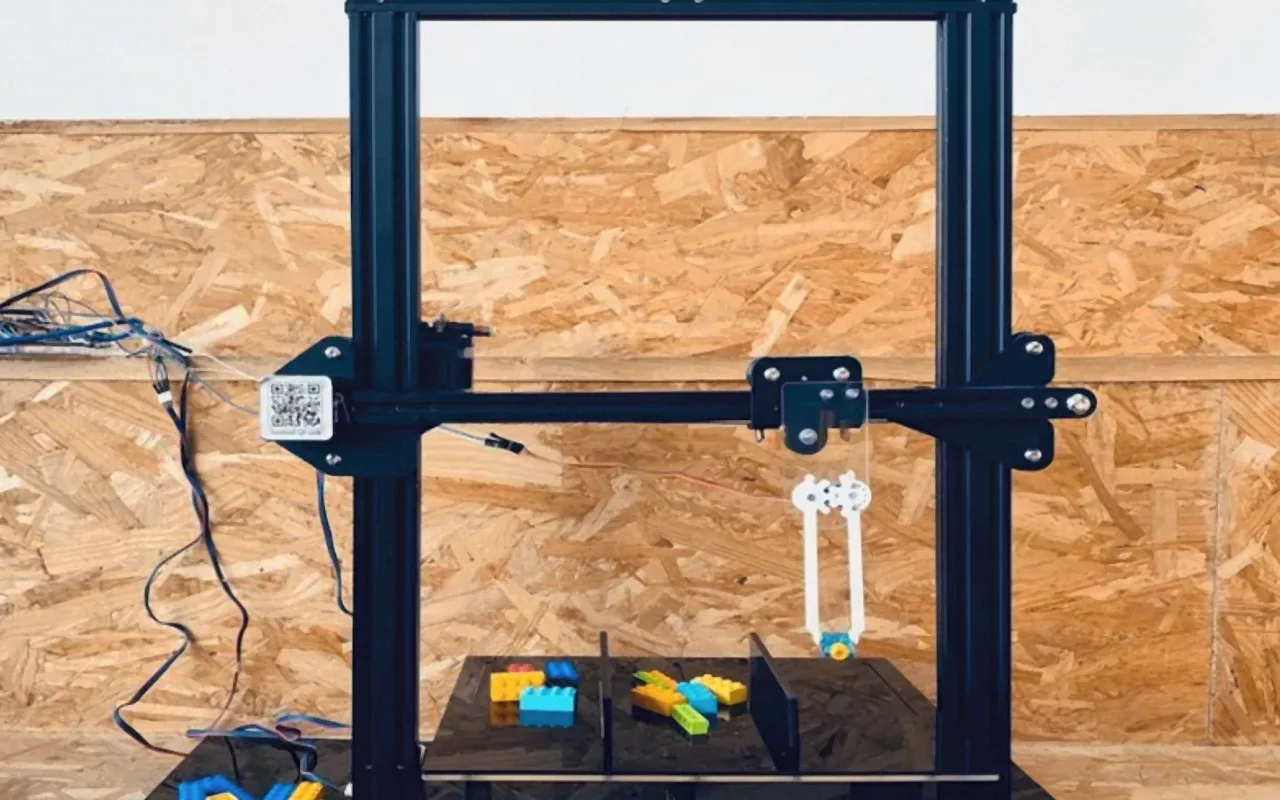
Two prototypes, a team, and the gap between a mechanism that works in CAD and one that works on a bench.
What the 200-page datasheet is actually telling you, and driving the same board from Arduino, C and an ISP.
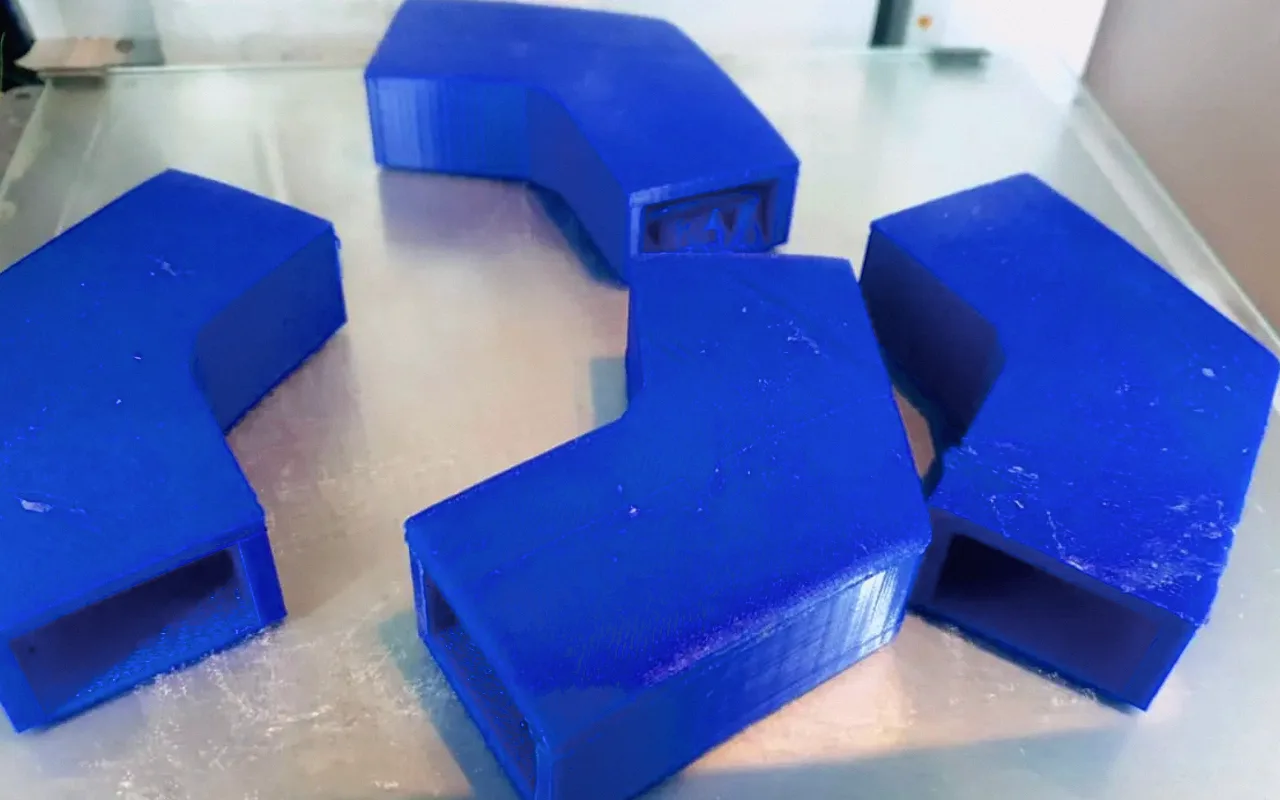
Characterising the Ultimaker, printing a geometry no subtractive process could make, and scanning a real object back into CAD.
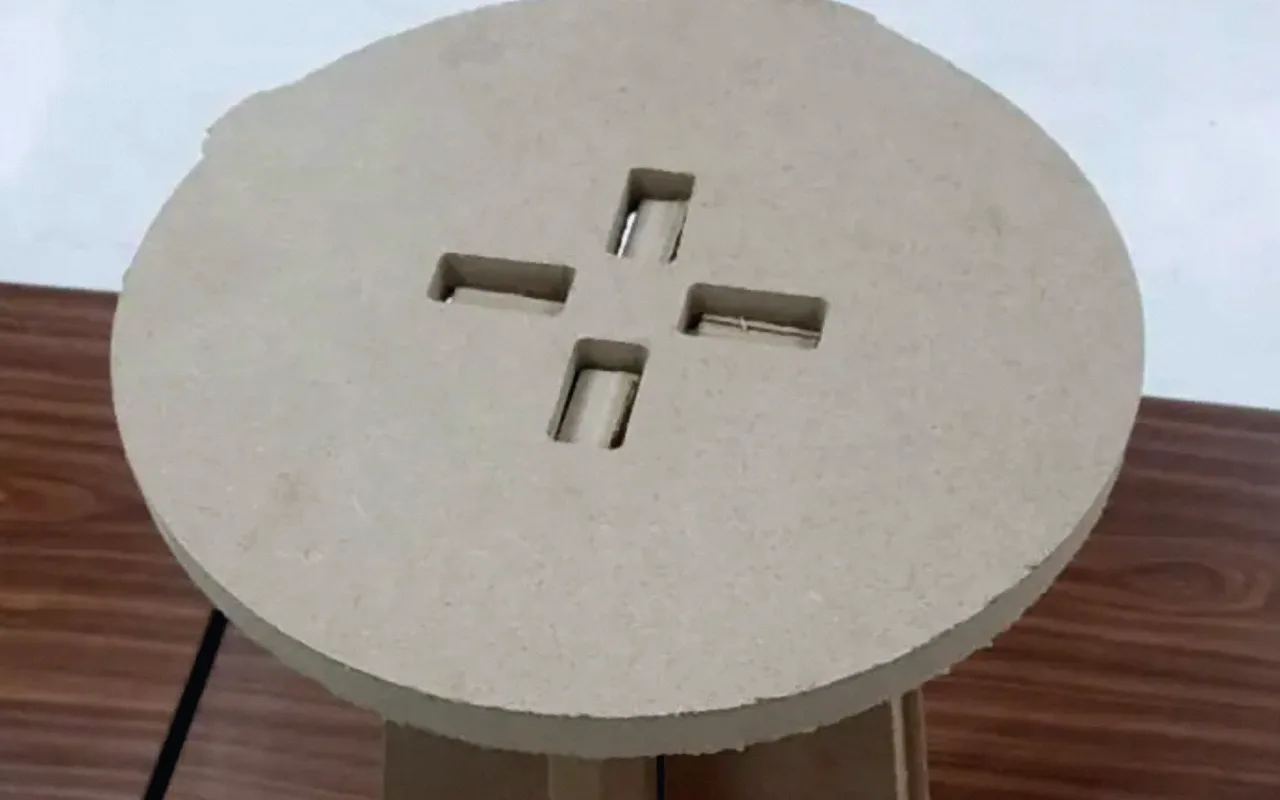
A parametric table designed in FreeCAD, its toolpath in VCarve Pro, zeroing the ShopBot, and three cuts in 18 mm MDF to fix a gap in the joints.
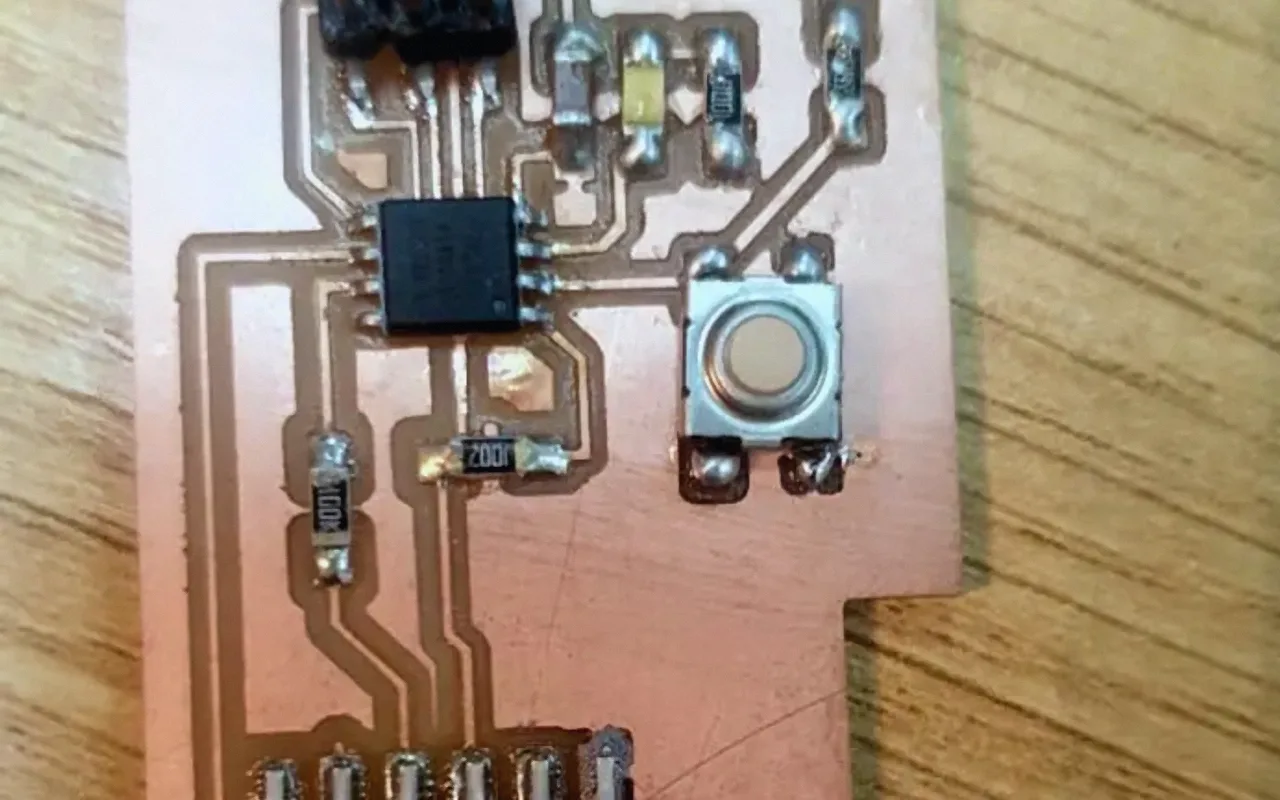
An hour each with KiCad and Eagle, then a full run from schematic to routed board to milled, stuffed and programmed hardware.
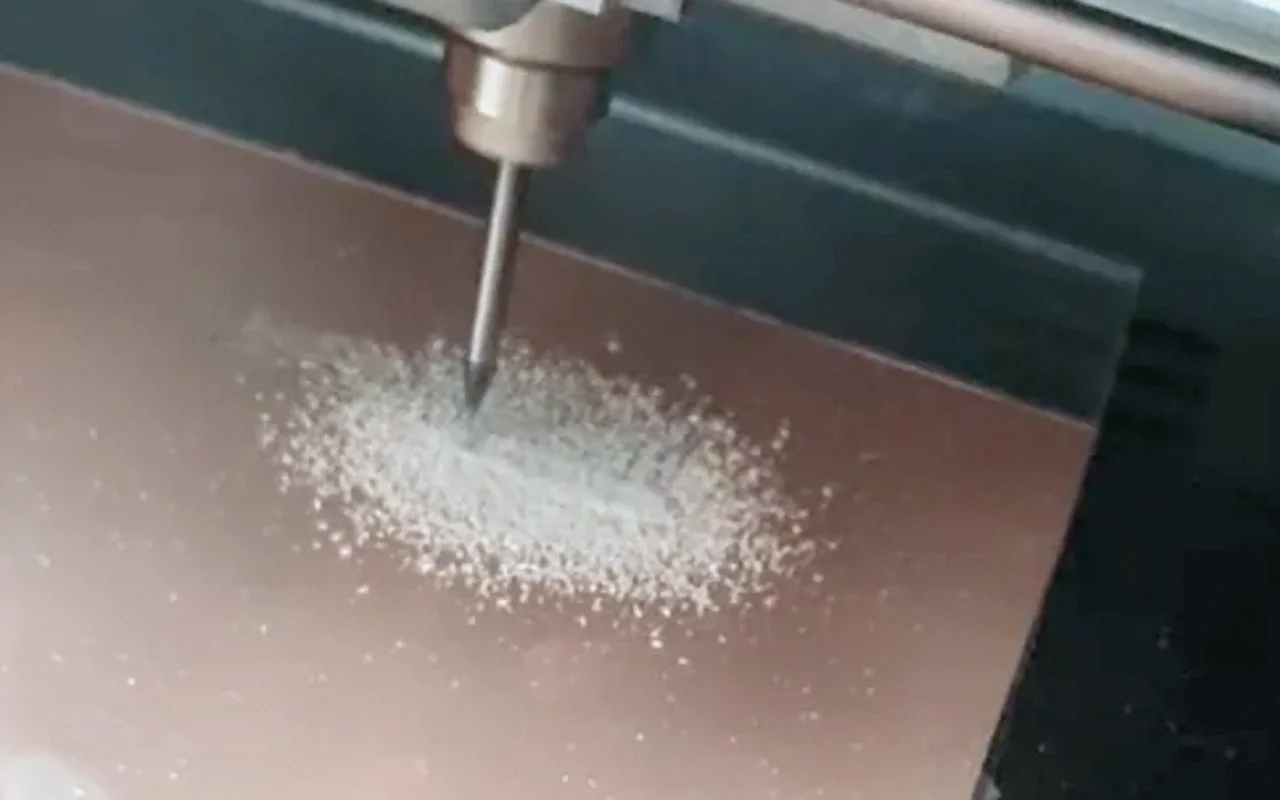
Running the Roland SRM-20, surviving the trace widths, and debugging an in-circuit programmer that refuses to be recognised.
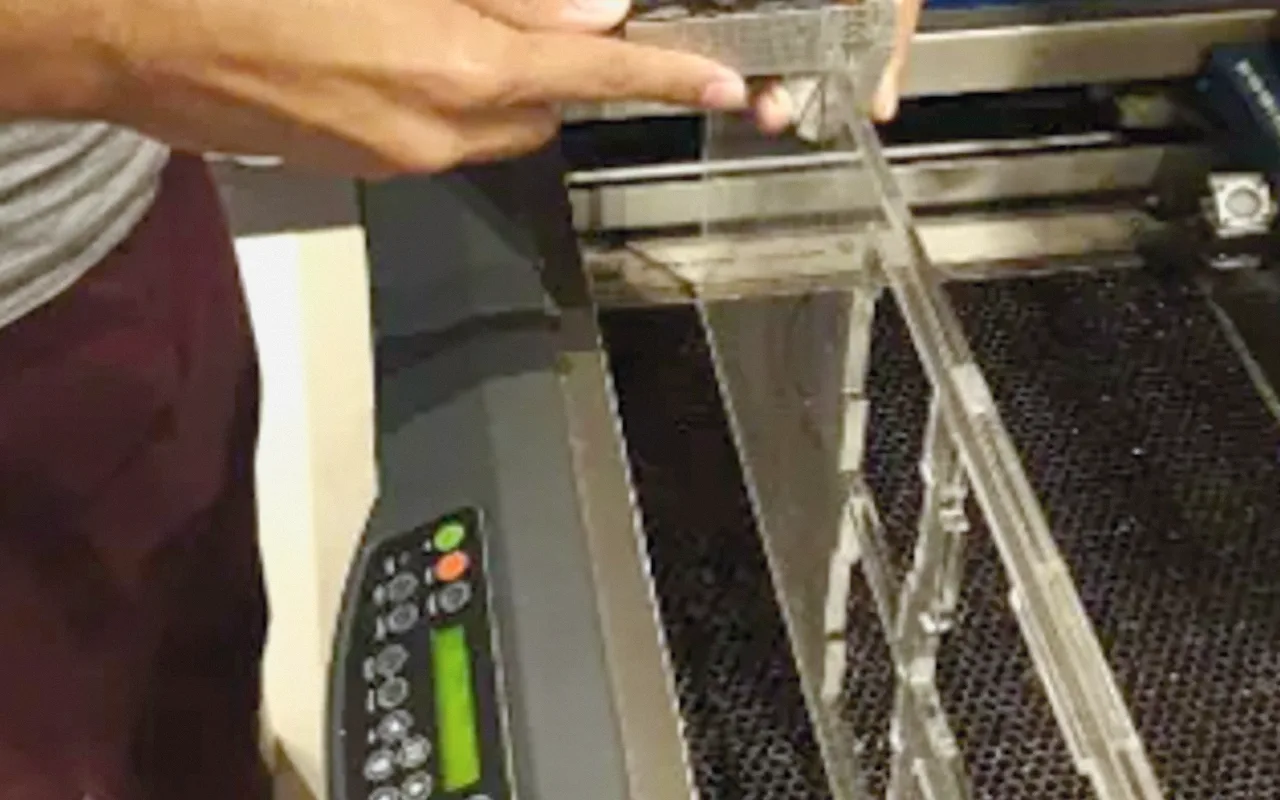
Characterising the machine first, then designing a parametric construction kit that actually clips together.
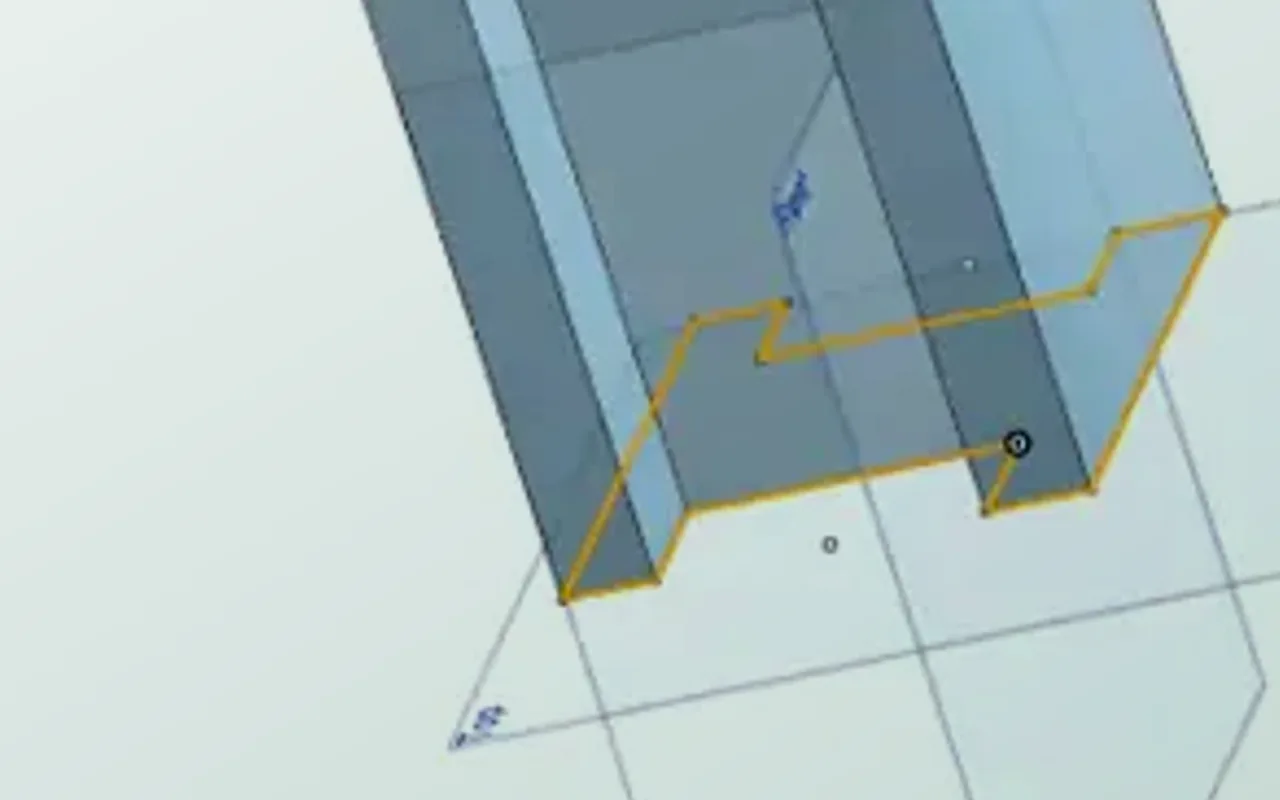
Working through FreeCAD and Onshape, from the first constrained sketch to 3D parts and a 120 degree joint for the final project.
Setting up a static site, a decent Windows terminal, and version control you will actually use.
What version control actually is, and the handful of Git commands that run a project day to day.
How the first version of this site was built, themed and deployed — templates, content and continuous deployment.
Downloading and installing Atom, adding it to the Windows Path, and opening it on the folder you are in from the command line.
Cmder, Git Bash and getting a console on Windows that does not fight you.
Turning a 200 MB phone clip into something a web page can actually serve, from the command line.
Resizing and converting a hundred documentation photos in one command instead of a hundred clicks.
An introduction to the language, with the lectures and references worth working through.
Two outdoor light installations, a festival deadline and the sketch that became a Fab Academy final project.
No posts in this category yet.